
DATA STRUCTURES
\= how you are storing the data
Array in JS
array is object
js arrays are resizable and can contain different datatypes
zero base
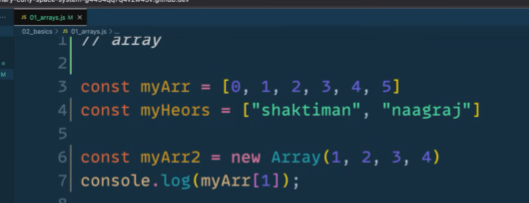
const myArr = [0, 1, 2, 3, "sid", true]

//accessing
console.log(myArr[0]) //same in most of the languages. //language design
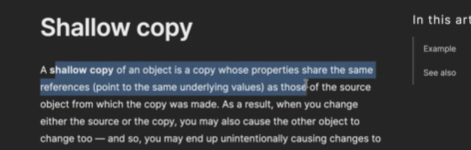
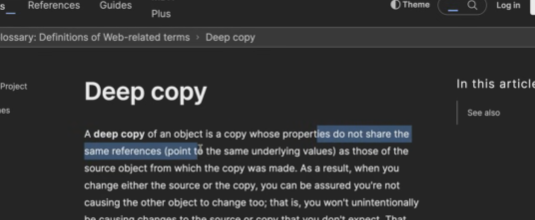
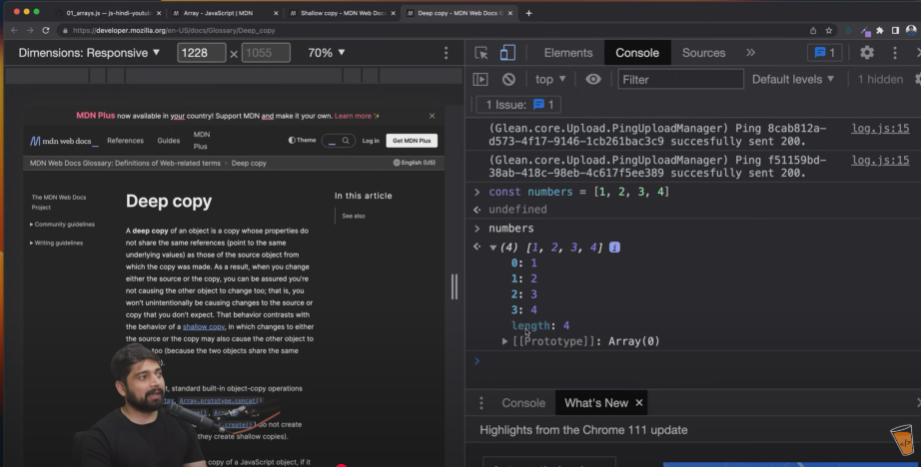
mdn web docs array study

ARRAY METHODS
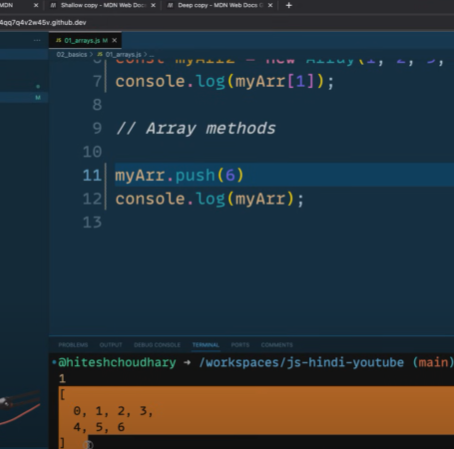
myArr.pop(); //to remove alue

myArr.unshift(9) //inserted at start, computer gets load
myArr.shift() //removes the first element.

//EXAMPLE TODO's in todo app

console.log(myArr.includes(9));
console.log(myArr.indexOf(3));

const newArr = myArr.join() //converted to string and comma separated output

//IMP methods slice, splice
console.log("A org array ", myArr);
const myn1 = myArr.slice(1,3);
console.log("slice "+myn1);
console.log("B slice ", myArr);

const myn2 = myArr.splice(1,3); //last range is included and manipulates the original array
console.log("splice "+myn2);
console.log("C splice ", myArr);
Array in JS—part 2
BROWSER CONSOLE
const myArr = [1,2,3]
myArr
const marvel = ["iron man", "spider man"]
const dc = ["superman", "batman"]
marvel.push(dc); // ["iron man", "spider man", ["superman", "batman"]]
const allHeros = marvel.concat(dc); // marvel.push(dc); // ["iron man", "spider man", ["superman", "batman"]]//combines 2 or more arrays and returns an array

//spread (break the glass)
const all_new_heros = [...marvel, ...dc] // ["iron man", "spider man", "superman", "batman"]

const anotherArray = [1,2,[3,4,5],6,[7,8]];
const usableAnoArr = anotherArray.flat(Infinity); //depth
//usefull for web scrapping

console.log(Array.isArray("sid"));//false

//below data can be array, string or object
console.log(Array.from("sid")); // ['s','i','d']
console.log(Array.from({name: "sid"})); //interesting you need to mention of to do the KEYs or values

const score1 = 100;
const score2 = 200;
const score3 = 300;

console.log(Array.of(score1, score2, score3));
