JS-1 | Chai aur JavaScript

Confidence Matters & Programming Mindset Matters….
This series gives you that confidence.

Setup local environment (Node.js)
VS CODE is best place to write JavaScript and for web development
VS CODE is the CODE Editor
G>VS CODE download
and install
earlier, JS Interpreter that is only present in the browser [Front-end]
Later, it is extracted to outside from the browser—that is called Node.js (execution/runtime environment).
Node.js allowed writing & using JavaScript for server-side Side Programming [Back-end]
JavaScript can be executed standalone like c, c++, Java, Python…
JS file extension → .js
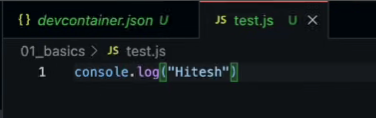
example: test.js
console.log('Hello, World');
(other execution environments: DENO, BUN, etc.)
Save & Work on Github for JS
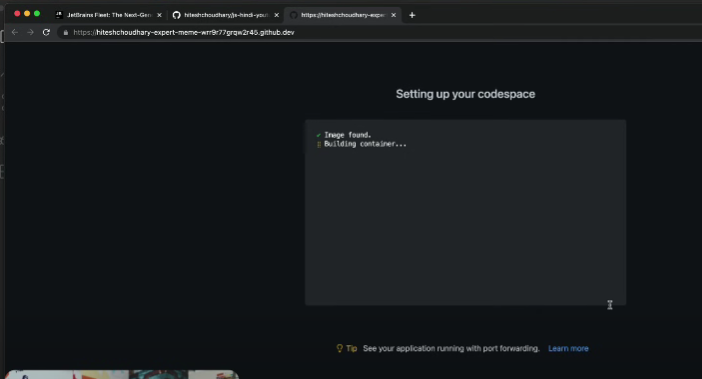
create a Git Repository and use GitHub Codespaces (GitHub codespace is like online vs code)
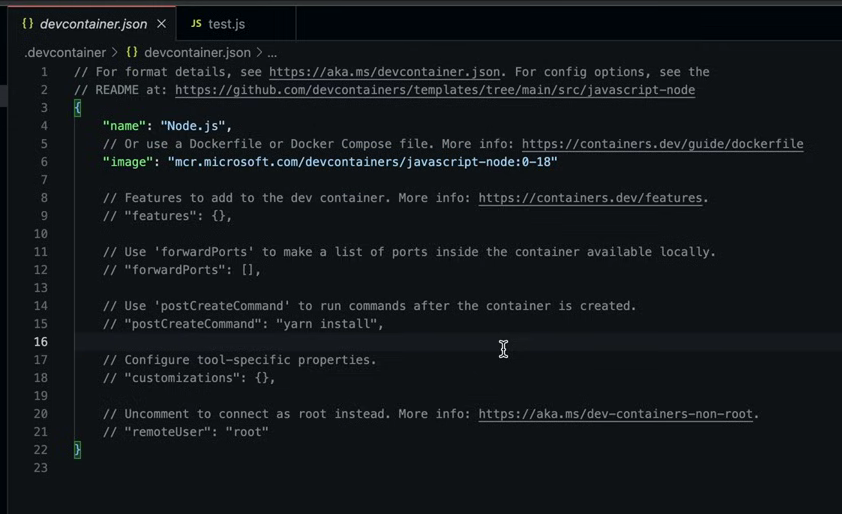
make a Node.js env in codespaces
command palette
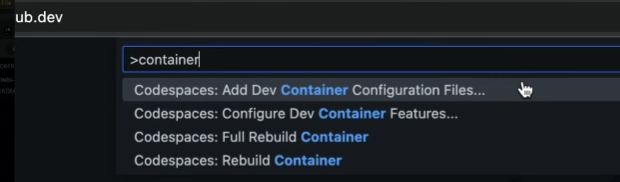
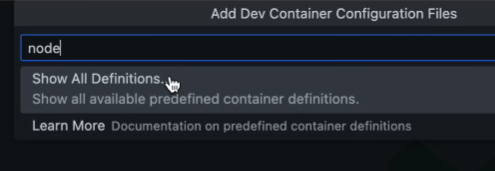
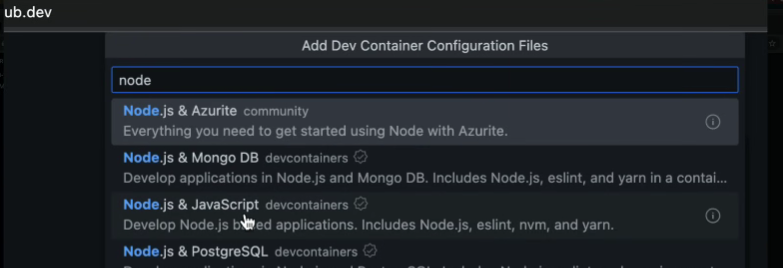
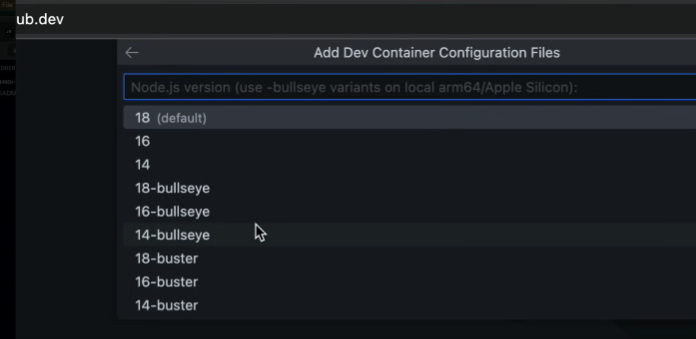
use the default one
(below is asking if you require additional tools like aws, …)
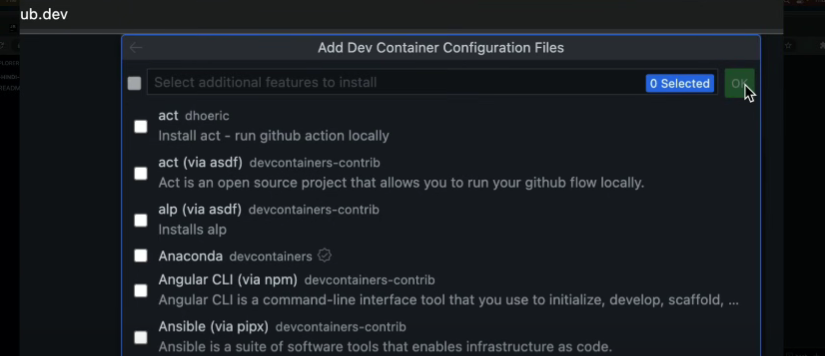
code execution environment
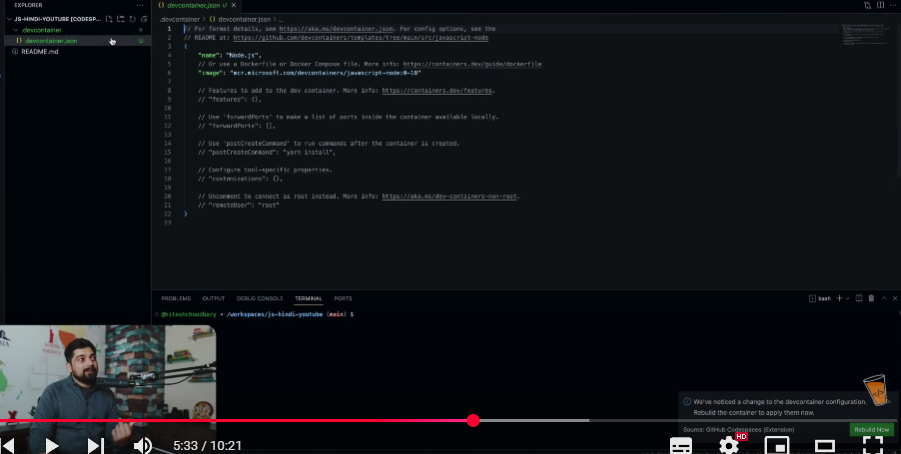
rebuild now
Create a new folder, a test.js file, and execute it.

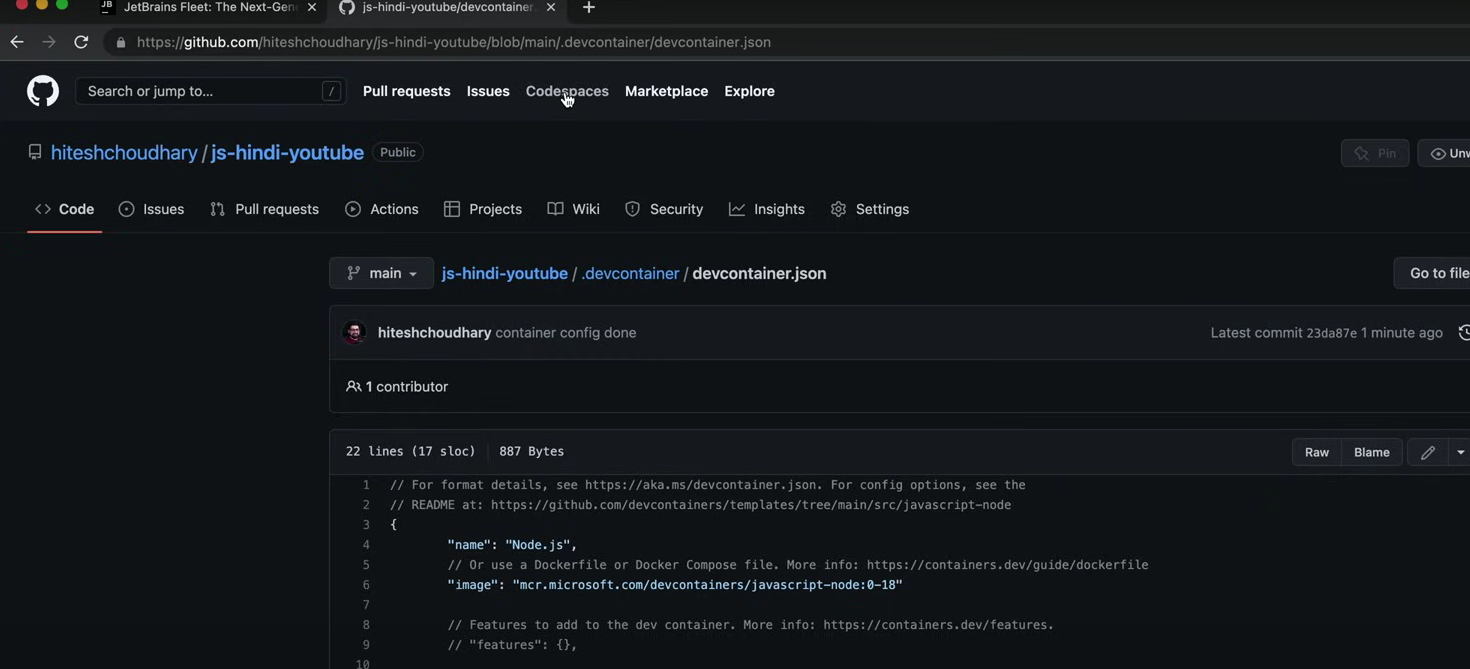
HOW TO SAVE THE FOLDERS AND FILES
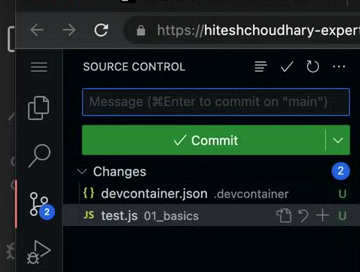
click on + icon to track the changes
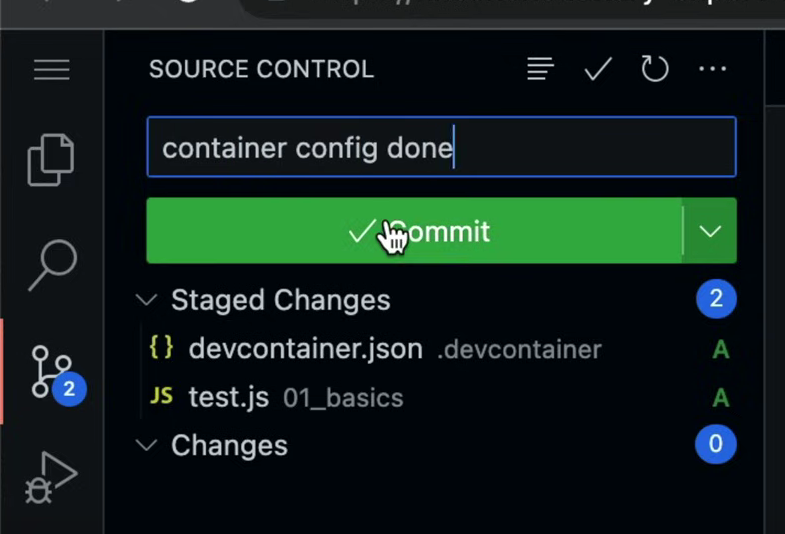
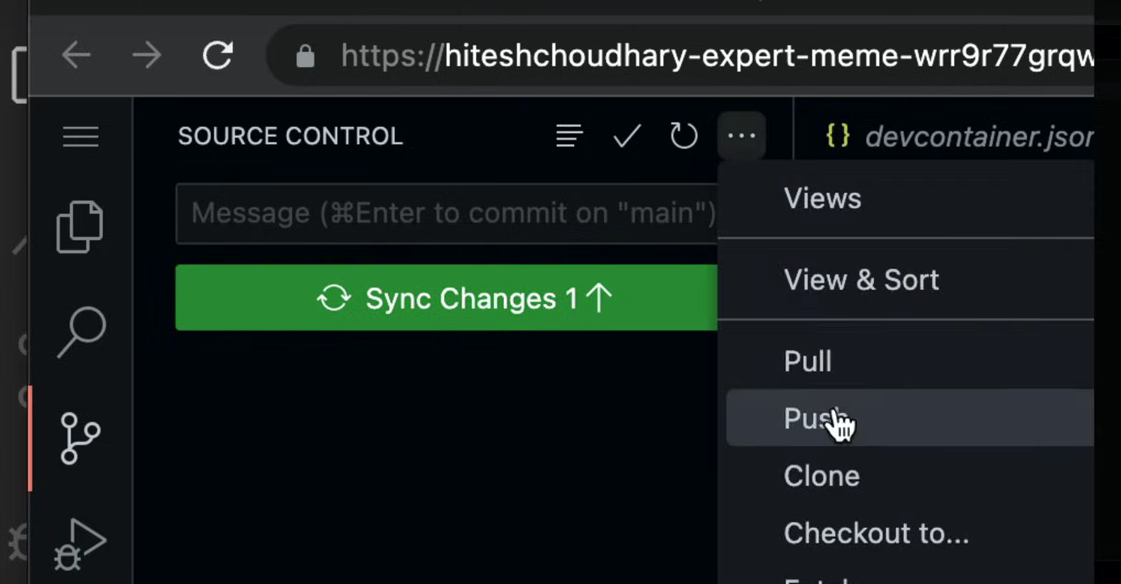
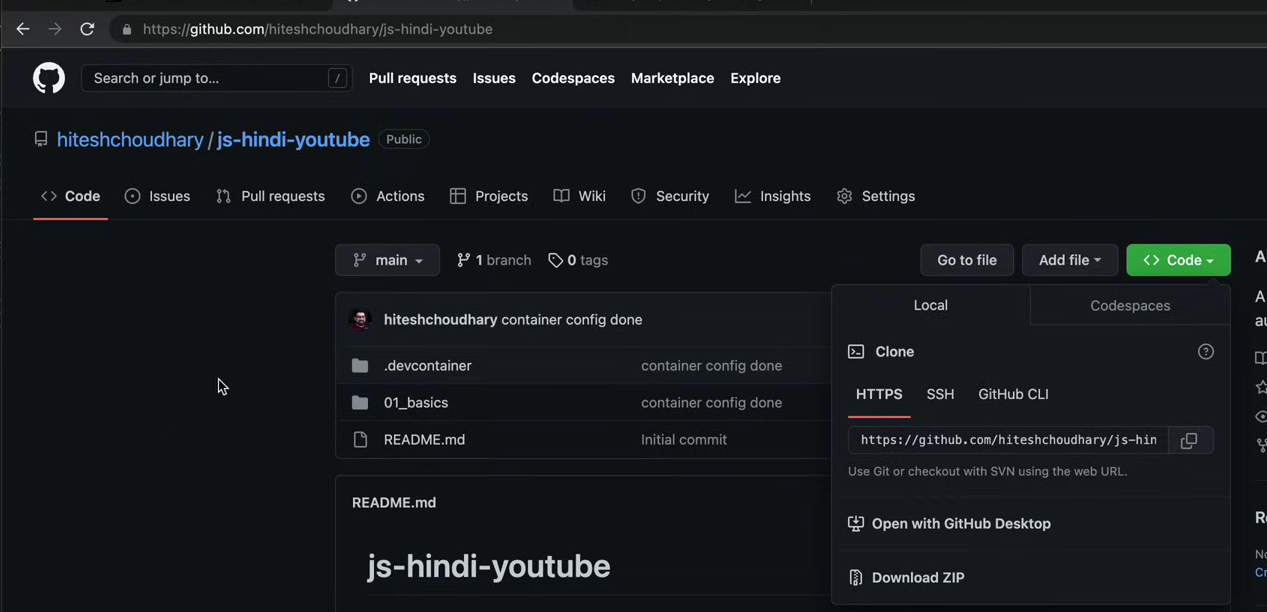
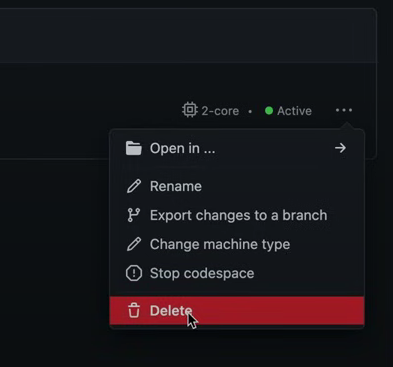
OFF THE MACHINE (codespaces)
Let, const & var (keywords to declare variables)
(have a goal to build something, then only learn programming)
get a user to the site and do a registration
to store that information in program, we need variables
//this is the common notation used for variables camelCase
const accountId = 12345
let accountEmail = "sid@gmail.com"
var accountPassword = "sid123"
accountCity = "Hyd" //not recommended.

let accountState; //undefined
// do investigation study

// accountId = 2 //assignment to const variables is not allowed again.
accountEmail = "hc@gmail.com"
accountPassword = "sid4456"
console.log(accountId);

//var = prefer not used now-a-days, because of the scope problem.
// because of issues in block scope and functional scope.
console.table([accountId, accountEmail, accountPassword, accountCity, accountState])

//const and let is recommended to use for variable declarations

// single line comment
/*
multi line comment
*/
Data types & ECMA standards
(Just 8 to 10 years ago is different.) ( at that time classes, modules, and arrow functions are not there.)
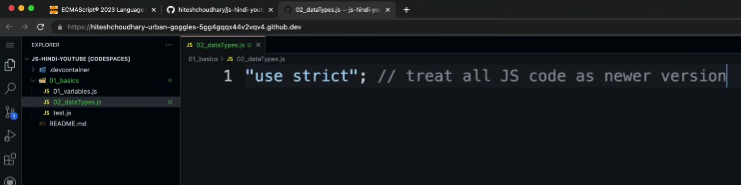
Nowadays everything is by default is “use strict.
RUN IN NODE ENV
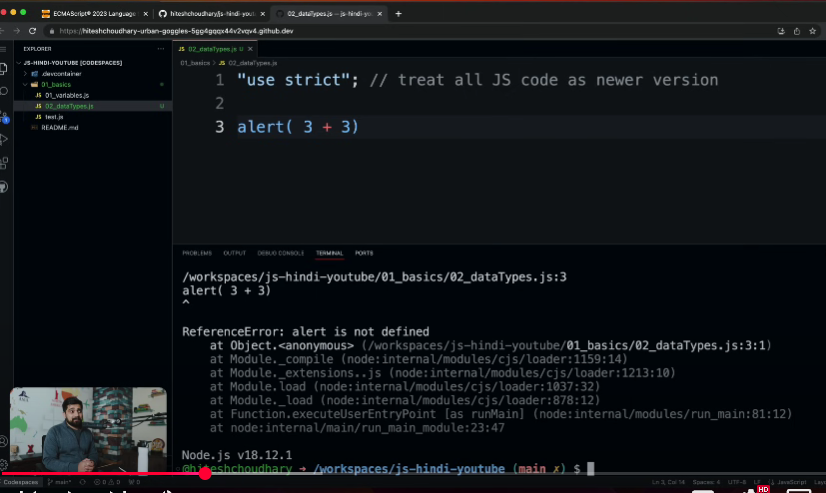
RUN JS in BROWSER
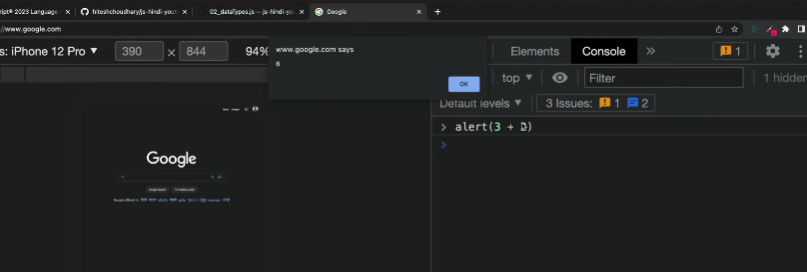
above image indicates that everything is written inside the document object
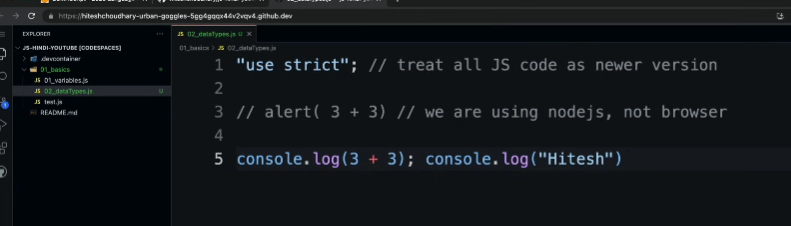
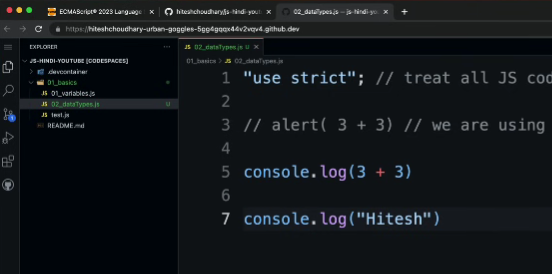
READABILITY is MOST important in programming
bad readability
Good readability
VS CODE EXTENSIONS
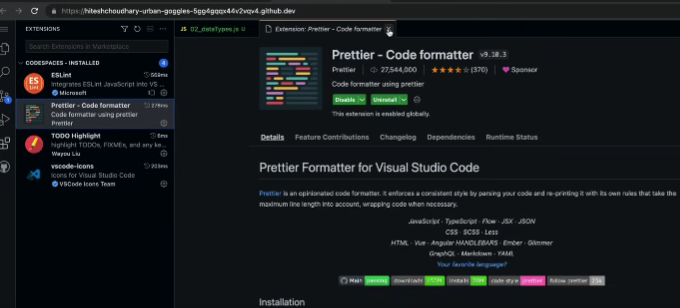
for automatic code indentations
DOCUMENTATION
mdn is good and easy to read for developers
OFFICIAL ONE.
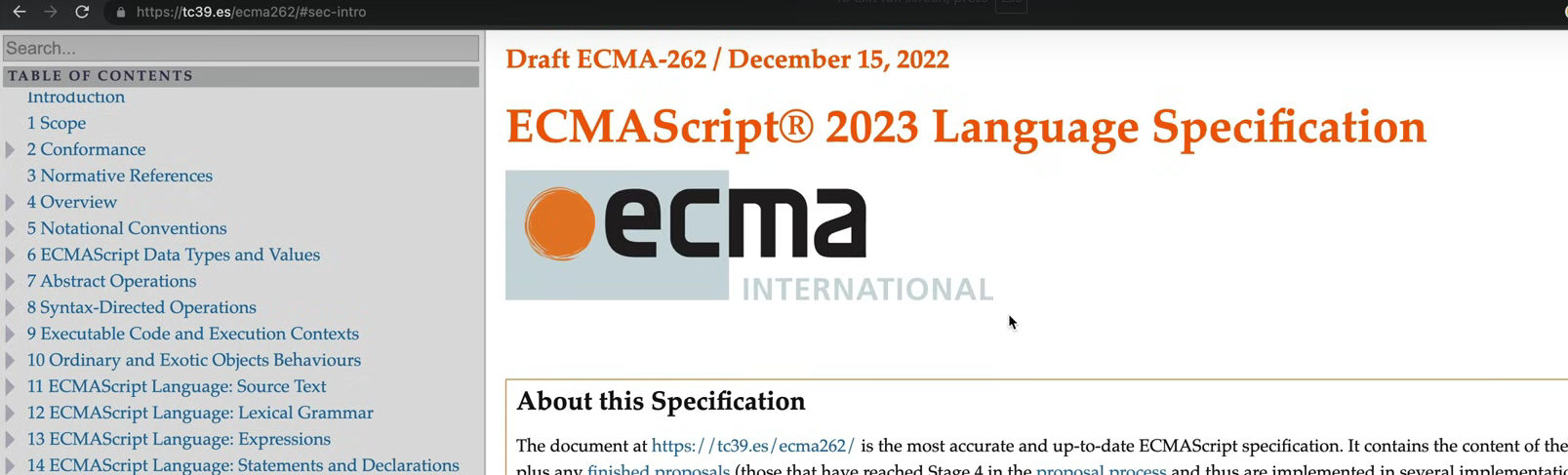
( this standards and official documents are mostly for browsers and engine standards.)
PRIMITIVE DATA TYPES
/*
string
number -> range is 2 to power 53
boolean
bigint

null //standalone value //representation of empty value
undefined //value not yet assigned
symbol //to identify uniquely: (for components FIGMA uses it mostly for tools)

*/
console.log(typeof "sid") //string
console.log(typeof null)//object
console.log(typeof undefined) //undefined
FORK the repo
https://github.com/hiteshchoudhary/js-hindi-youtube
(TypeConversion/Casting) Datatype conversion confusion
frontend value is in string; in backend, we want it as number to perform calculation
then type casting comes into picture
let maths = "93"
let science = "80"
let score = "sid"

let valueInNumberMath = Number(maths);
let valueInNumberSci = Number(science);

let valueScore = Number(score);//NaN
//try other.
let isLoggedIn = 1
let booleanIsLoggedIn = Boolean(isLoggedIn); //true

// 1 => true
// 0 => false
// "" => false
// "sid" => true
to convert in String => String(var_name);
(push into your repo)
Why is string-to-number conversion confusing?
conversions are done to perform operations
let value = 3
let negValue = -value
console.log(negValue);
console.log(2**3)
console.log(2%3)
console.log("1"+2);
console.log(1+"2");

console.log("2"+1+1);
console.log(1+1+"2");
— Official doc: 7.1.1. To primitive to study better above code.
focus on clean code, code readability
console.log(+true); //1
console.log(+"") //0
//study precedence once.
//bad code, why do you write this code
let num1, num2, num3
num1 = num2 = num = 2+2;
PREFIX & POSTFIX
read in mdn
Comparison → Conditionals
console.log(2 > 1)
/*
2>1
2<=1
==
!=

*/
console.log("2">1); //true //but type script won't allows
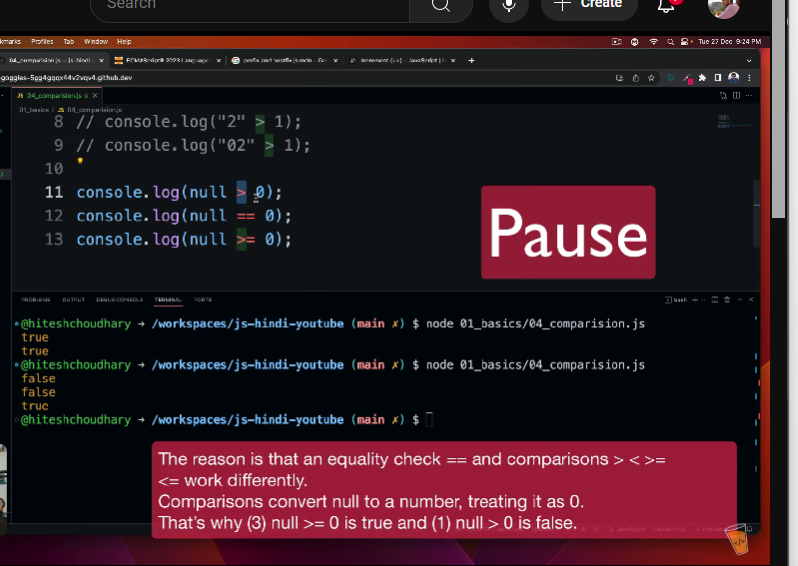
console.log(null > 0);
console.log(null == 0);
console.log(null >= 0);
console.log(undefined > 0);
console.log(undefined == 0);
console.log(undefined >= 0);
STRICT CHECK
console.log("2"===2);//false
console.log("2"!==2);//true
Data types for interview perspective
in official document, they said only two types are (based on memory storage)
primitive type (call by value mechanism) (copy and given of the original value)
7 types
String
Number
Boolean
BigInt
null
undefined
Symbol
(js objects and js browser events (master this to master in js))
JS is dynamically typed.
non-primitive type (call by reference mechanism)
Arrays
Objects
Functions
const priceOfEggs = 6.5

const id = Symbol('123'); //returns symbol type.
const anId = Symbol('123');
console.log(id == anId);

//BigInt
const bigNum = 341545551234423421344523234242421415135455155n;
//array
const heros = ["shaktiman", "naagraj", "doga"]

//object
let person =
{
    name: "sid",
    age: 23
}

//function
const myFunction = function(){
    cosnole.log("Hello, World!");
}
myFunction
myFunction()
console.log(typeof myFunction); //function object
console.log(typeof heros);
console.log(typeof person);
(push to repo)
Stack and Heap memory
memory
(how memory works in JS)
(in c reserve memory and free is done manually)
(but for
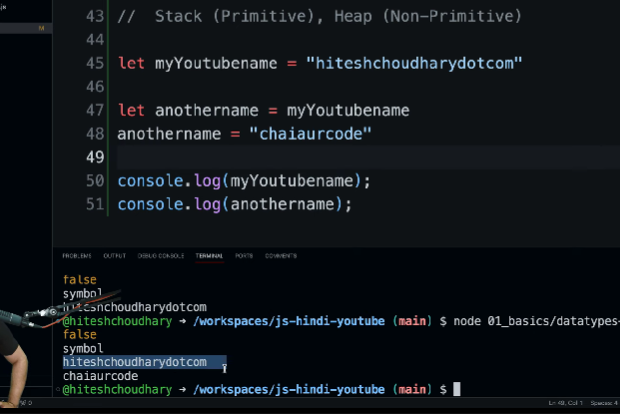
// STACK, HEAP memory
primitive type are stored in stack
non-primitive types are stored in heap
let myYoutubeName = “sidyy”
STACK VS HEAP
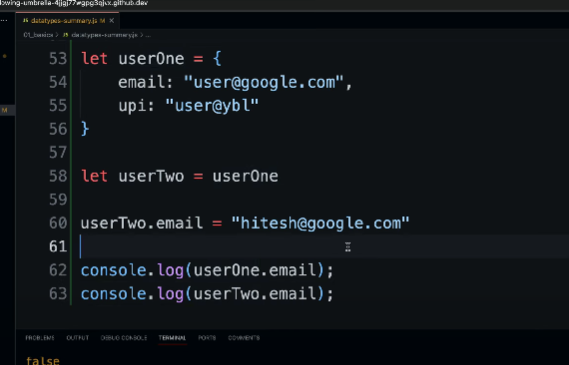
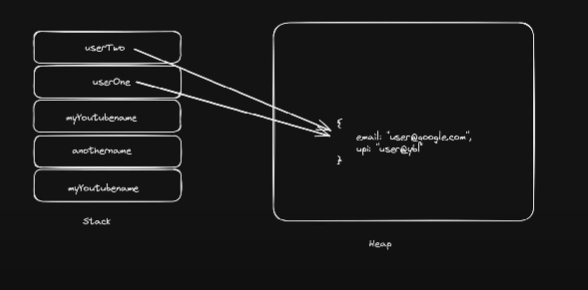
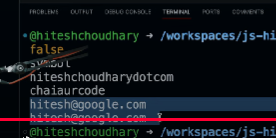
String in JS
string allows us to write the modernized code
‘‘
““
`` → String interpolation
const githubUsername = "sidduganeshsid"
const repoCount = 101

console.log(`hello my name is ${githubUsername} and my repo count is ${repoCount}`);
methods also can be inserted in string interpolation
const gameName = new String("freefire");
copy and past in browser
\>gameName
(key value pair)
length property
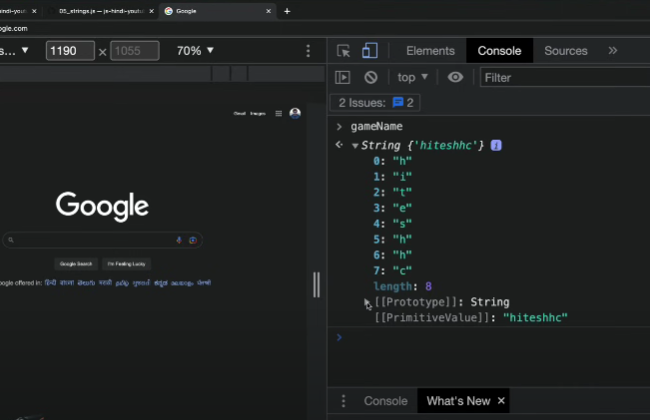
(mastering this methods is important)
check in browser
console.log(gameName.__proto__);
as you access the length property , same like that you can use other methods
console.log(gameName.toUpperCase()); //but original value is not changed);
cosnole.log(gameName.charAt(2));
console.log(gameName.indexOf(‘@’));
(study and check mdn for string methods)
const newStr = gameName.substring(0, 4) //neg not allowed
console.log(newStr);

const anotherString = gameName.slice(-8, 4) //last 3 characters

//.trim()
//.replace()
const url = "https://h%20c"
url.replace('%20', '-');

//.includes("sid");


//split on what bases.
//separators...
gameName.split("");
Number and Maths in JS
const score = 400 //copy paste in browser and console.log(score)
console.log(score); //400
const balance = new Number(100) //ensure 100% number //try in browser
console.log(balance) //[Number: 100]

console.log(balance.toString().length);
console.log(balance.toFixed(2)); //precesion value 100.00

const otherNumber = 23.9434 //1234.3432
console.log(otherNumber.toPrecesion(3)); 24.0 //roundoff //try typeof //expo

const hundreds = 1000000
console.log(hundreds.toLocaleString());
console.log(hundreds.toLocaleString('en-IN'));
//browser
\>Number.
check….
Maths library
console.log(Math); //Object Math{} //node.js
//try in browser

console.log(Math.abs(-4));
console.log(Math.round(4.6));

console.log(Math.ceil(4.2));
console.log(Math.floor(4.6));
//check in browser

console.log(Math.min(4, 5, 5, 2,);
//.max();

console.log(Math.random());
console.log(Math.random()*10 + 1);// 0 to 9
console.log(Math.floor(Math.random()*10 + 1)); // 1 to 9

const min = 10
const max = 20

Math.floor(Math.random() * (max - min + 1) + min); // min to max
Date and time Object
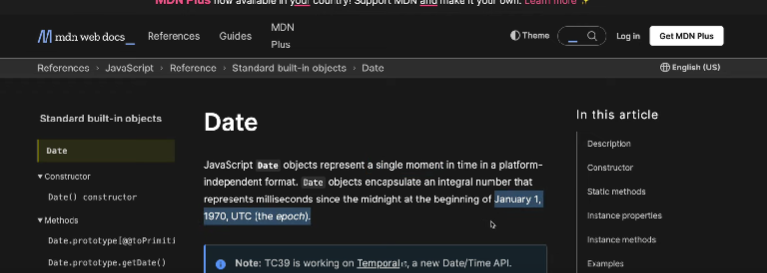
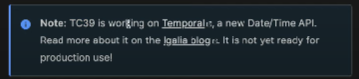
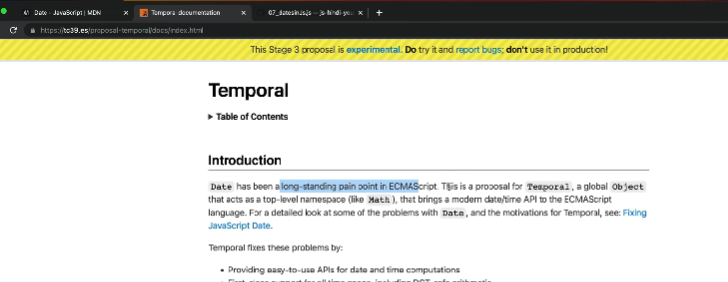
in future data and time can be used similarly like Math library (inbuilt lib)/
let myDate = new Date(); //instance
console.log(myDate);//2023-03-01T12:03:00.900Z
console.log(myDate.toString())
console.log(myDate.toDateString());
// ISO, json,
console.log(typeof myDate);  //object

let myCreatedDate = new Date(2023, 0, 23); //, 5, 3
console.log(myCreatedDate.toDateString());// Mon Jan 23 2023
//console.log(myCreatedDate.toDateString());

const dob = new Date("2001-09-9");
const mydob = new Date("09-09-2001");

let myTimeStamp = Date.now();
console.log(myTimeStamp);

//.getTime() //milliseconds to compare the winner for typing speed
//.now()
//Math.floor(Date.now()/1000);

//to know month + 1
//to know year
// to know day + 1

// string interpolation is used.


//CUSTOMIZATION
Date().toLocaleString('default', {
ctrl + space
weekday: "long",
timeZone: "",
});
